
MEMBER APP
Put Strong Plan on your phone
Scan the code with your phone camera, sign in, and add the app to your home screen.
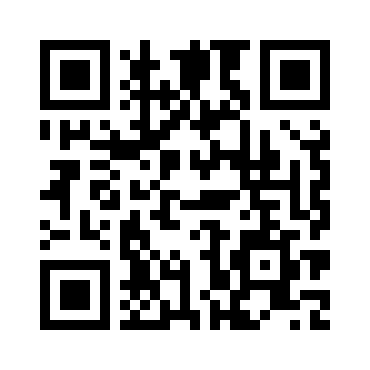 Scan to open Strong PlanYour Strong Plan
Open the link
Use your phone camera to scan the QR code, then tap the Strong Plan link.
Sign in
Enter your exact first and last name and the password you selected.
Add it to your phone
iPhone: Safari → Share → Add to Home Screen.
Android: Chrome → menu → Install app or Add to Home screen.